Key Takeaways (TL;DR)
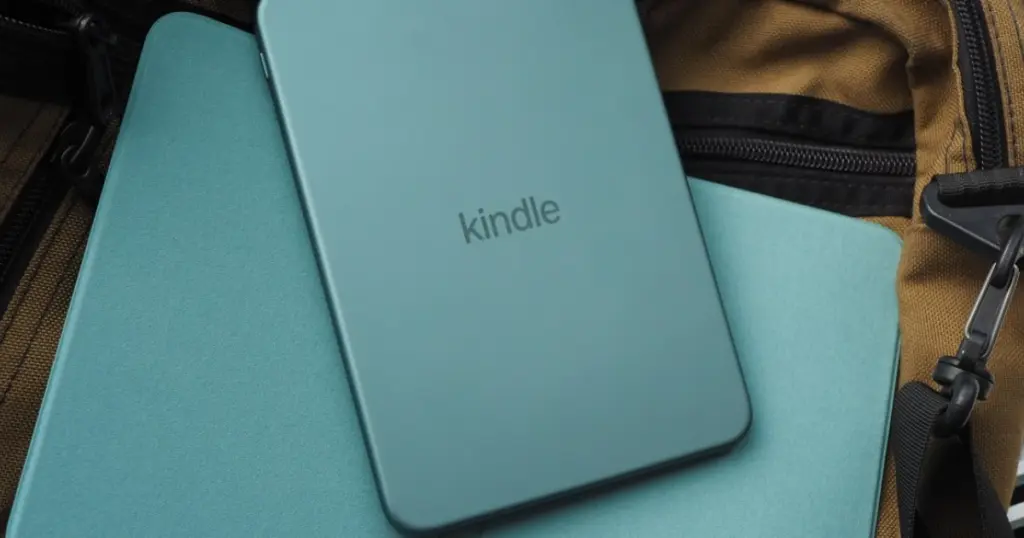
- Amazon has officially launched its next-generation Kindle e-readers, including the base Kindle, Kindle Paperwhite, and Kindle Colorsoft.
- These updates underscore Amazon’s commitment to innovation and improving the e-reading experience, delivering faster, more user-friendly, and environmentally conscious devices.
Amazon Kindle Lineup Receives Significant Upgrade
Amazon has officially launched its next-generation Kindle e-readers, including the base Kindle, Kindle Paperwhite, and Kindle Colorsoft. These new models introduce a range of enhancements focused on design, performance, and user convenience, adhering to modern tech standards.
Key Innovations in the Latest Kindle Models
- Sleeker Design: All new devices are a millimeter thinner, offering a more refined and comfortable grip for extended reading sessions. The power button has been relocated from the bottom to the right side of the device.
- Enhanced Performance: Users will experience a 30% increase in speed when opening books, significantly improving overall responsiveness and user flow.
- New Aesthetic Options: The e-readers are now available in vibrant new colors, featuring soft-touch plastic casings that provide a pleasant tactile experience.
- Premium Aluminum Version: A special edition with an aluminum body is also available, boasting double the storage capacity at 32GB.
- User-Replaceable Batteries: In compliance with new EU regulations, all new Kindle models are designed to allow users to replace the battery independently, enhancing reparability and extending device lifespan.
- Case with Physical Page-Turn Buttons: Amazon is also introducing an optional case that includes physical buttons for turning pages, offering an alternative and tactile way to navigate through books.
These updates underscore Amazon’s commitment to innovation and improving the e-reading experience, delivering faster, more user-friendly, and environmentally conscious devices.


I’ve been using the new Kindle Paperwhite for a few weeks now, and the user-replaceable battery is a game-changer. I actually swapped mine out last weekend after watching a quick YouTube tutorial – it was surprisingly straightforward. The speed increase is noticeable too, especially when jumping between larger PDFs. My only minor gripe is the relocated power button; I keep fumbling for it where it used to be. For anyone considering it, definitely get the case with physical page-turn buttons – it makes such a difference for one-handed reading.