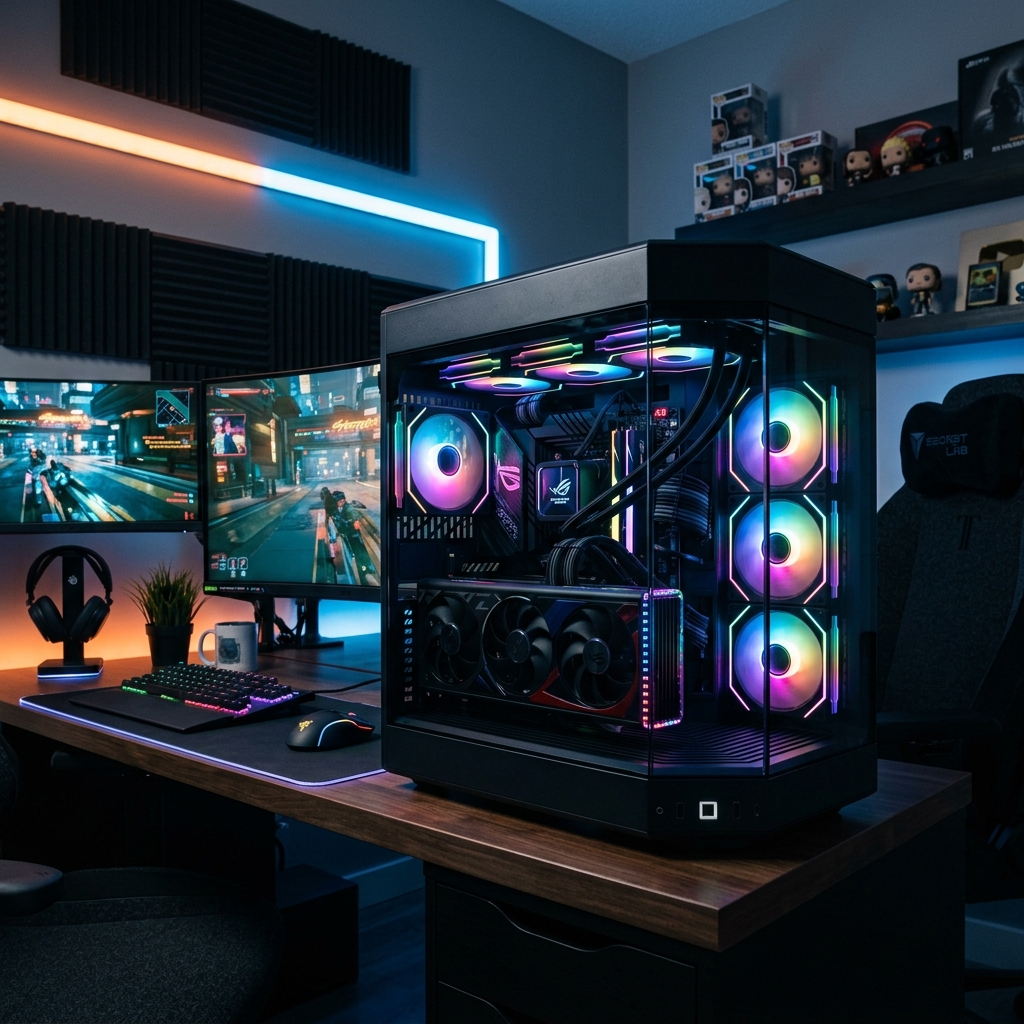
An optimal and balanced computer build that fits a budget of $900. This PC will confidently handle any modern game at Full HD (1080p) resolution on high settings, and is also suitable for graphic design, video editing, and programming. Let’s look at the components in detail.
System Configuration
- Processor: AMD Ryzen 5 7600 — 6 cores, 12 threads, AM5 socket. The absolute best value for money CPU with great future upgrade potential. ($190)
- CPU Cooler: ID-COOLING SE-224-XTS — a proven tower cooler with 4 heat pipes that will easily keep the processor cool and quiet. ($25)
- Graphics Card: NVIDIA GeForce RTX 4060 8GB — a modern graphics card with DLSS 3 and frame generation support, ensuring high FPS in all new titles. ($299)
- Motherboard: MSI PRO B650M-P (or similar from Gigabyte/ASRock) — a reliable B650 chipset board for the AM5 platform with DDR5 support. ($119)
- RAM: 32GB DDR5 6000MHz (2x16GB kit, e.g., ADATA XPG Lancer or Corsair Vengeance) — the necessary standard for gaming and heavy software in 2026. ($95)
- Storage (SSD): 1TB M.2 NVMe PCIe 4.0 (e.g., Kingston NV2 or Crucial P3 Plus) — fast load times for the system, apps, and games. ($65)
- Power Supply: Corsair CX650 (650W, 80 Plus Bronze) — a quality PSU with reliable components and plenty of power headroom. ($69)
- Case: Montech AIR 903 Base (or similar mesh front case with pre-installed fans) — excellent airflow for reasonable money. ($65)
Why This Configuration Was Chosen
This build is based on the current AM5 socket. Unlike the outdated LGA1700 (Intel Core 12th-14th gen) or AM4, AM5 will allow you to upgrade your CPU in 2-3 years without buying a new motherboard and RAM. The Ryzen 5 7600 and RTX 4060 combination is highly energy-efficient: the PC won’t overheat, make noise, or require expensive cooling.
Where You Can Save Money
If you’re on a tight budget, you can temporarily get 16GB of RAM instead of 32GB (but make sure it’s a 2x8GB kit for dual-channel mode) and choose a 512GB SSD instead of 1TB. Also, do not overpay for RGB lighting or water cooling — it is unnecessary for these components.
Where You Absolutely Should Not Save Money
Never buy cheap power supplies from unknown brands — a PSU failure can destroy the entire system. Also, avoid motherboards on the entry-level A620 chipset without heatsinks on the VRM (CPU power delivery) if you plan on future upgrades.