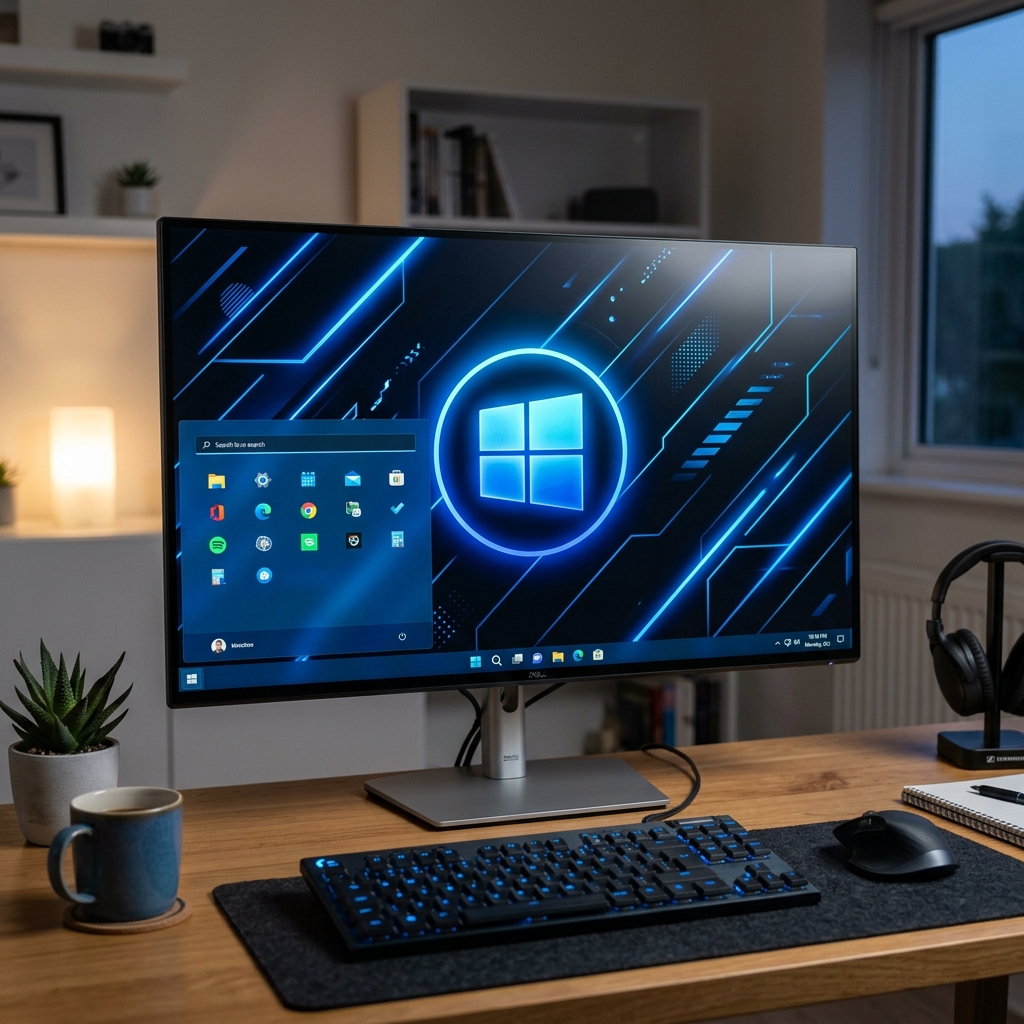
Microsoft has released Windows 12 with a revamped interface and deep AI integration. We break down the key new features and help you decide whether to upgrade or wait.
Key New Features
Copilot 2.0 — AI Assistant Everywhere
Copilot is now integrated into every corner of the system: File Explorer, settings, browser, and office applications. It can analyze files, write code, create presentations, and manage settings via voice commands.
New Notification Center
The redesigned notification panel combines widgets, notifications, and quick settings into one clean window. It looks stylish and performs much faster.
Live Wallpapers and Dynamic Desktop
Finally, animated wallpapers that react to the time of day and weather are supported natively. Plus, new themes from featured artists and photographers are included.
Performance
Windows 12 boots noticeably faster and consumes less RAM at idle. The new task scheduler does a better job of distributing workloads across CPU cores.
System Requirements
- Processor: 2 cores, 1 GHz (4+ cores recommended)
- RAM: 8 GB (16 GB recommended)
- Storage: 64 GB SSD
- TPM 2.0 — still required
- NPU — recommended for AI features
Should You Upgrade?
If you are on Windows 11 and everything is stable, we recommend waiting 2-3 months for initial bugs to be patched. If you are on Windows 10, it is time to upgrade since its support is ending.